Pages

Showing posts with label Tutti Designs - 578 Deer in Forest. Show all posts

Wednesday, January 26, 2022

Tutti Designs - 578 Deer in Forest... Last one!

Hello!  Let's see what you can create with Tutti Designs today!

Guess what.. this is my last card i have created with Tutti Designs - Deer in Forest!
I was really on a roll, i love creating with this die!


This is the original die that i cut first to make a card.  I wanted something soft and pretty.
This is so easy it would take you about 20-30 minutes to make this card.
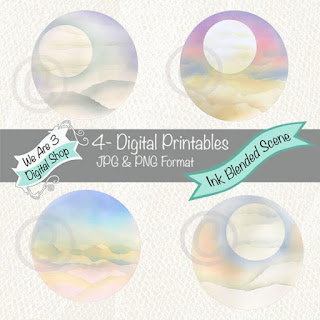
So for this card, i started with We Are 3 Digital Paper - Ink Blended Scenes.  It prints as a circle paper. 
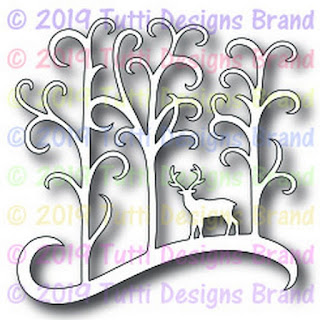
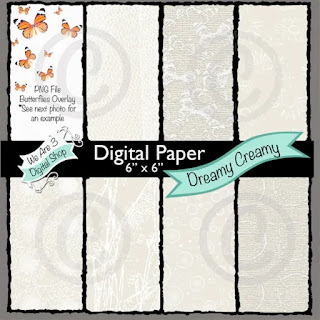
So i die cut it out as a circle.  Next i printed off We Are 3 Digital Paper - Dreamy Creamy (Net) and cut a larger circle out of it so it could "frame" the background scene. I placed the same purple paper behind the circle paper as a "mat".   Then i simply added Tutti Designs - Deer in Forest to the top.

I have used:

Be sure to visit Tutti Designs
for LOTS more fabulous dies and
come back again for more Tutti Designs inspiration!

Here are some Tutti Designs quick links:


Wednesday, January 19, 2022

Tutti Designs - 648 Cones & Branches, Deer in Forest

Hello!  Let's see what you can create with Tutti Designs today!


Well, you know when i start using a die, i have the positive and negative and it drives me crazy not to use the negative.  You've already seen both the positive and negative cards i have created recently.. here is yet another one, but it is a bit different than the ones i have shared so far. 
So, the positive cut out i haven't shared yet, it will be coming in another post.
For this card i used a decoupage glue.. it made it way easier to attach the negative to the background..but because i used digital paper printed from an ink jet printer, it also changed the color of the purple and blue papers to a darker hue.
So this card is really an easy card to make as well, just die cut out the deer die (i used a 4 x 4 square), making sure to save the small negative bits too.  I saved out the positive, like i said, for another card. Next you use the mod podge/decoupage glue on the back of the negative cut out and glue it onto another piece of paper, in this case i used a royal blue paper. You always have a bit of seepage from the glue and it changes the color of the digital paper, so i just went ahead and added the decoupage glue lightly to the entire top of the diecut layers.  I matted this entire layer to white cardstock to off set it from the background snowflake paper.
Next i added foam tape to the back and adhered it to the snowflake layer paper.
For some added interest, i added snowflakes and a fir branch Tutti die.  Then for some "bling" i added pearls and gems. 

I have used:


Be sure to visit Tutti Designs
for LOTS more fabulous dies and
come back again for more Tutti Designs inspiration!

Here are some Tutti Designs quick links:


Tuesday, January 11, 2022

Tutti Designs - 578 Deer in Forest - Using the negative die cut!

Hello!  Let's see what you can create with Tutti Designs today!

Let's use the negative part of the die....

I have been making some quick cards using the negative die cut for one card and the positive die cut for another.. getting two cards out of one die isn't new, but it's fun!
What took me the longest was deciding on paper...

I have used:


Be sure to visit Tutti Designs
for LOTS more fabulous dies and
come back again for more Tutti Designs inspiration!

Here are some Tutti Designs quick links:
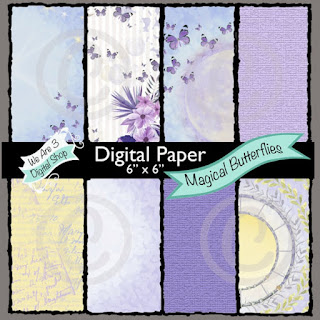
I am also using:


Saturday, January 8, 2022

Tutti Designs - Deer in Forest

Hello!  Let's see what you can create with Tutti Designs today!


Super simple and fun!  Remember the last Tutti Card i shared with you?  
I took that collage "snowflake" layer and made it smaller.  I saved the part i cut away and used it as a frame for this card!  Can you see the frame?

Next i just layered up the paper and added the dies!

I have used:


Be sure to visit Tutti Designs
for LOTS more fabulous dies and
come back again for more Tutti Designs inspiration!

Here are some Tutti Designs quick links:

I have also used: